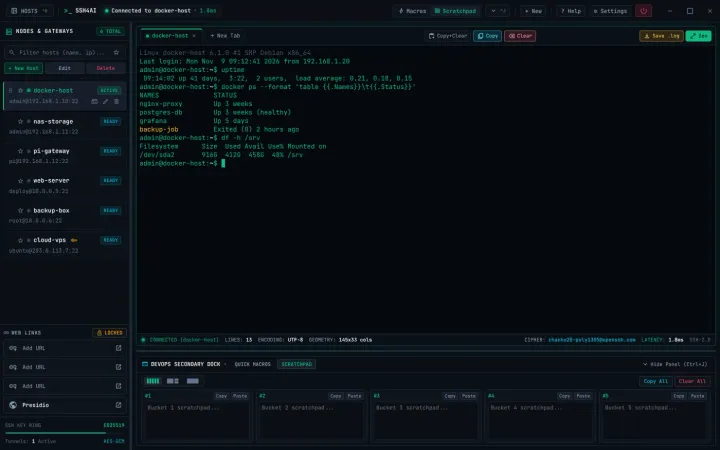
SSH client
ssh4ai
A free SSH client for Windows, plus a self-hosted web version that runs in Docker. Save your servers once and open them in tabs.

Learning AI by building
Open-source apps, a private AI second brain, and a long career in network security behind them.
What I do
01
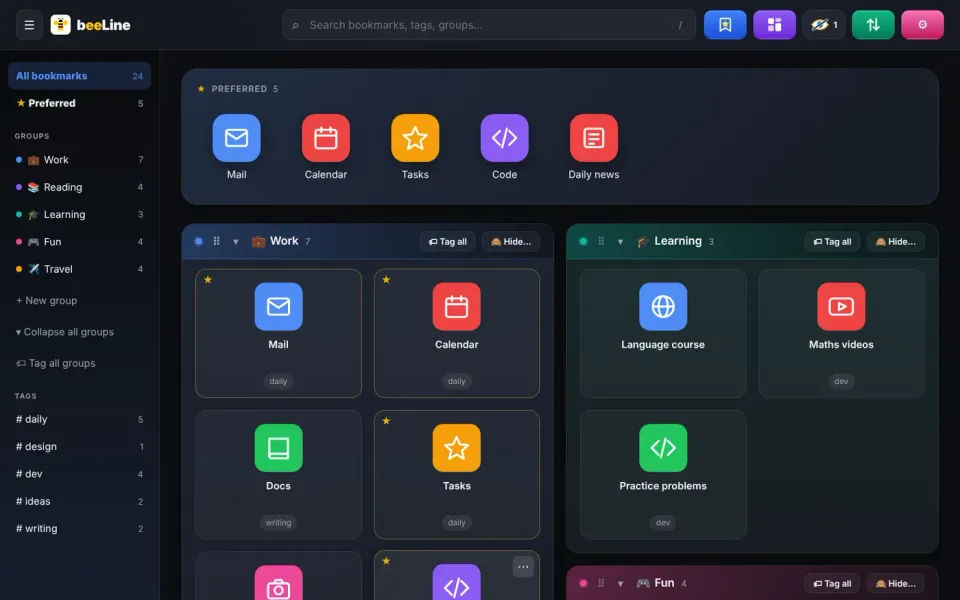
An SSH client, a bookmark dashboard and a family calendar. Free, open source, no accounts, no tracking.
02
A private AI second brain with local and cloud models, agents and voice. I use it to build infrastructure automation, web apps and a mobile app.
03
The Daily Calf on Substack: notes on learning AI by building real things, slowly.
Selected work
Built with AI assistance. The apps are tested and published through the normal channels; the second brain stays private.
SSH client
A free SSH client for Windows, plus a self-hosted web version that runs in Docker. Save your servers once and open them in tabs.
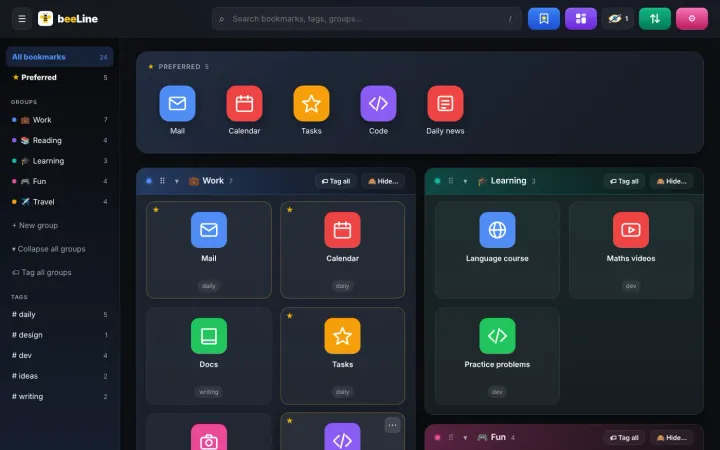
Bookmark dashboard
A visual bookmark dashboard that replaces the New Tab page, with groups, tags and favourites. Your data stays on your computer.
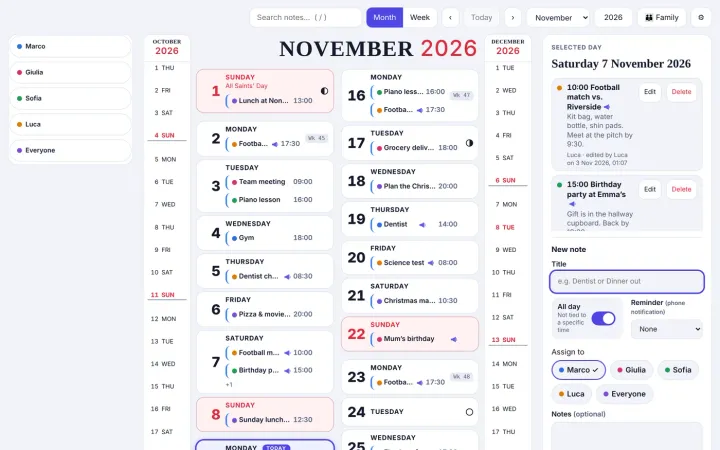
Family calendar
A shared family calendar for notes and reminders. End-to-end encrypted, no accounts, works offline.
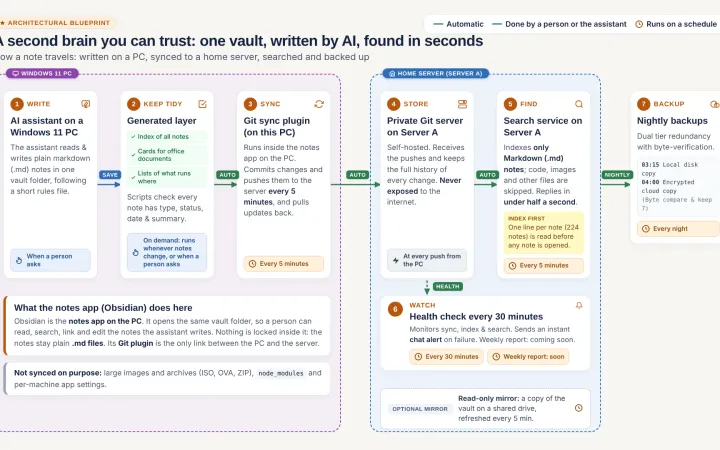
Private knowledge base
A private knowledge base that several AI agents search with retrieval-augmented generation, using local and cloud models, with voice input and spoken answers. I use it to build and test the other projects.
Capabilities
Chrome and Firefox builds from one codebase.
Shared through the Microsoft Store and GitHub.
Multi-arch images and automated releases.
Submissions and releases for the Chrome, Firefox and Microsoft stores.
Secret scans, dependency audits and code scanning.
Data stays with the user; apps keep working offline.
Stack & approach
I set the goals, make the product decisions and test the result. AI writes and reviews much of the code. That split is the point of the exercise: learning where AI helps and where a person has to decide.
Before this, 25+ years in cybersecurity and networking pre-sales and solutions, starting as a developer.
Contact
Write to me, open an issue on GitHub, or follow along on Substack.